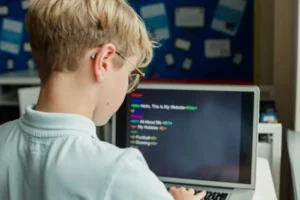
15 Fun Coding Games for Kids to Build Skill & Confidence [2026]
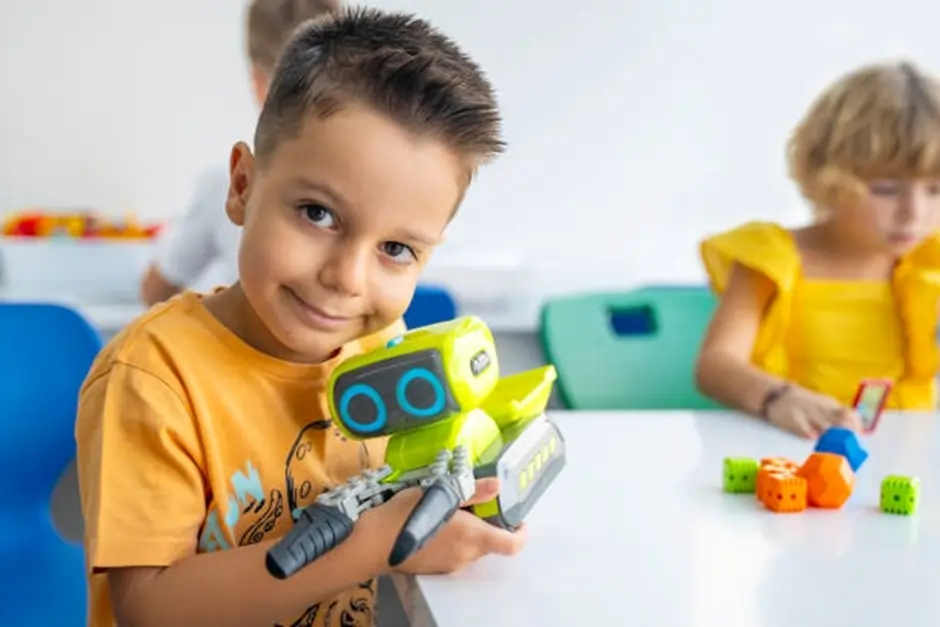
Getting a child interested in coding is often much easier when it feels like play instead of study. That is why coding games for kids work so well. They turn abstract ideas like sequencing, logic, and problem-solving into something children can actually see, test, and enjoy. A child gives a character a command, the character moves, and the lesson suddenly makes sense.
This playful approach is also backed by the way leading coding platforms are designed for young learners. ScratchJr is built specifically for children ages 5 to 7 and lets them create interactive stories and games, while Scratch helps children create games, stories, and animations in a more open creative environment. Code.org also offers beginner-friendly coding activities for ages 5 to 11, which shows how strongly the educational space now supports game-based coding for kids.
The real value of coding games for kids goes beyond screen time. The right game can teach patience, build confidence, improve logical thinking, and help children feel capable when they solve a challenge on their own. Some games are perfect for total beginners, some are better for creative kids who love storytelling, and others help older children take the first step toward real programming projects in Scratch, Python, or web development. Platforms like Code Club World also reflect this progression by offering projects that move from Scratch into Python and HTML/CSS as children grow in skill.
In this guide, we’ll look at the best coding games for kids, explain what each one teaches, and help parents choose the right options by age, skill level, and learning style.
Why Coding Games for Kids Work So Well
Coding feels much easier for children when it is introduced through play. Instead of seeing it as a difficult subject, they experience it as a puzzle, a story, or a fun challenge. That is why coding games for kids are so effective. They make learning feel natural, which helps children stay interested for longer. ScratchJr, for example, is designed for ages 5 to 7 and allows children to create their own interactive stories and games.
Another reason these games work well is that they simply teach real coding concepts. Children begin to understand sequencing, logic, repetition, and problem-solving by actually doing things on the screen. Code.org’s elementary learning resources are also built around fun coding activities for ages 5 to 11, which shows how strongly game-based learning supports early coding education.
Most importantly, coding games for kids help build confidence. Children can try, make mistakes, fix them, and try again without pressure. That process teaches patience and problem-solving while making them feel capable. As they grow, they can move from beginner tools into more creative platforms like Scratch, where they can make stories, games, and animations of their own.
What Makes a Good Coding Game for Kids?
Not every game with colorful graphics is a strong learning tool. The best coding games for kids are fun first, but they also teach clear thinking in a simple, age-appropriate way. Good platforms usually combine play, creativity, and step-by-step progress, which is why tools like ScratchJr, Code.org, and Sprite Lab work well for young learners.
A good coding game should have:
- The right age level
Young children need simple visual actions and short tasks. ScratchJr, for example, is built for ages 5 to 7. - Easy, beginner-friendly interaction
Drag-and-drop blocks are often better than typed code for beginners because children can focus on logic before syntax. Code.org and Sprite Lab both use this approach for younger learners. - Clear goals and instant feedback
Children learn faster when they can immediately see what their instructions do, whether that means moving a character, solving a puzzle, or building a mini game. ScratchJr and Sprite Lab both support this hands-on style. - Room for creativity
The strongest coding games do not just ask children to complete tasks. They also let them create stories, animations, or games of their own. That is one reason Scratch-based tools stay valuable as children grow.
In short, the best coding games for kids are simple to start, fun to use, and strong enough to build real problem-solving skills.
15 Fun Coding Games for Kids to Build Skill & Confidence
1. Robot Direction Game
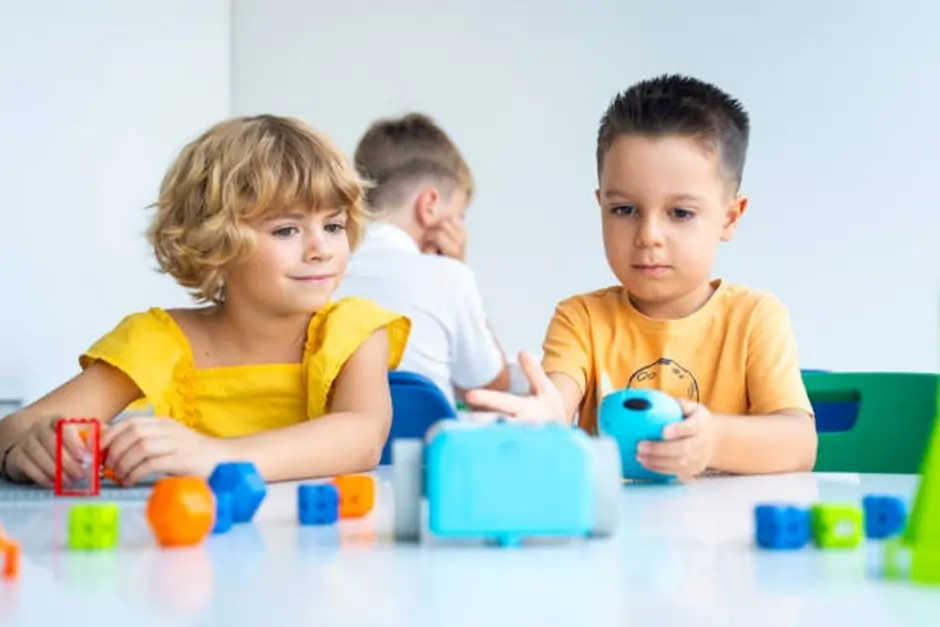
The Robot Direction Game is a simple and playful way to introduce coding to children. One child acts as the robot, while another gives step-by-step instructions to help them move from one place to another.
Children can use commands such as move forward, turn left, step back, or stop. As they play, they begin to understand that actions only happen when instructions are clear and given in the correct order.
Skills developed: sequencing, logic, listening, problem solving, early debugging
Why it works:
This game helps children see that coding is really about giving exact instructions. If one step is missing or unclear, the result changes. That makes it a fun and active way to teach basic algorithm thinking.
Example:
Take 2 steps forward, turn left, move 1 step back, stop.
2. Simon Says Algorithm Challenge
This game teaches children how coding depends on rules and correct instructions. Kids only follow commands that begin with “Simon says,” which encourages them to listen carefully and think before acting.
It is a familiar game, but it also introduces an important coding idea, some actions should only happen when the right condition is met.
Skills developed: sequencing, logic, focus, listening, conditional thinking
Why it works:
Children learn that not every instruction should be followed automatically. They begin to understand that rules control actions, which is very similar to how conditional logic works in coding.
Example:
“Simon says clap twice”
“Simon says turn left”
“Jump once”
If a child jumps on the last instruction, they missed the rule.
3. Coding Treasure Hunt
In this game, children follow a set of step-by-step clues to reach a hidden item. It teaches them how coding works through ordered instructions.
Skills developed: sequencing, problem solving, logic
Why it works: children learn that the result depends on giving or following instructions in the correct order.
Example:
Take 3 steps forward, turn right, walk 2 steps, look under the chair.
4. Binary Bracelet Game
The Binary Bracelet Game is a creative way to introduce children to the idea that computers use simple signals to represent information. Children use two different bead colors, one for 0 and one for 1, then follow a simple chart to create initials, short words, or secret codes.
Skills developed: pattern recognition, symbolic thinking, early binary logic
Why it works:
This game makes an abstract concept feel hands-on and fun. Children may not fully understand binary at first, but they begin to see that complex information can be built from very simple choices.
Example:
Use black beads for 0 and white beads for 1, then create a bracelet that spells a child’s initials using a simple binary letter chart.
5. Obstacle Course Coding
In this game, one child gives spoken instructions while another child moves through a simple obstacle course. You can create the course using pillows, chairs, cones, or tape marks on the floor.
Skills developed: algorithms, sequencing, communication, debugging
Why it works:
It teaches children that instructions need to be clear, accurate, and in the right order. If the person moving gets stuck or goes the wrong way, children quickly understand how small mistakes in instructions affect the outcome.
Example:
Take 3 steps forward, turn right, step over the pillow, walk 2 steps, stop.
6. ScratchJr Story Game
This activity lets children build a simple story by making characters move, talk, or react using visual coding blocks. Instead of just playing a game, they start creating one.
Skills developed: sequencing, creativity, storytelling, logical thinking
Why it works:
It helps children connect coding with creativity. They are not only learning commands, they are also seeing how code can control actions and bring ideas to life.
Example:
A child can make a cat move across the screen, say “Hello,” and jump when tapped, turning a simple idea into an interactive story.
Help Your Child Move from Coding Games to Real Coding Skills
Fun games are a great way to spark interest, but real growth happens when children start creating projects of their own. At embassy.education, children can build on that early curiosity through guided online coding courses designed for different ages and skill levels. Whether your child is just starting with visual coding or is ready to explore more advanced concepts, the learning path can grow with them. From beginner-friendly options like Scratch Junior and Scratch to creative favourites like Minecraft and Roblox, children get the chance to turn play into practical digital skills. As their confidence grows, they can also move into Python and more advanced coding experiences in a structured, supportive way. This makes embassy.education a strong next step for families who want coding to become more than just a fun activity.
Coding Courses for Kids7. Scratch Animation Challenge
This game encourages children to build a short animation using simple coding blocks. They can make a character walk, change direction, speak, or react to a click. It feels creative, but it also teaches them how actions happen in sequence.
Skills developed: sequencing, event handling, creativity, logical flow
Why it works:
Children stay more engaged when they are making something of their own. A simple animation gives quick results, which helps them understand how code controls movement and timing.
Example:
Create a character that moves forward, says “Welcome,” then changes color when clicked.
8. Blockly Maze Games
Blockly Maze-style games ask children to guide a character through a path using drag-and-drop commands. Each level becomes slightly harder, so children build confidence step by step.
Skills developed: sequencing, loops, problem solving, logical thinking
Why it works:
The puzzle format keeps children focused. They can see right away whether their code worked, which makes it easier to learn from mistakes and improve the next attempt.
Example:
Use move forward, turn left, and repeat blocks to help a character reach the goal in fewer steps.
9. Lightbot
Lightbot is a puzzle-based coding game where children guide a robot to light up tiles by arranging commands in the right order. It is simple to start, but it gradually introduces deeper thinking.
Skills developed: planning, sequencing, procedures, logic
Why it works:
It teaches children to think ahead instead of guessing randomly. They begin to understand that good coding often means planning the full solution before pressing play.
Example:
Guide the robot to move, turn, jump, and light specific tiles in the correct sequence.
10. Code.org Puzzle Games
Code.org puzzle games give children short coding challenges where they solve tasks by arranging simple commands. The activities are structured in a step-by-step way, which makes them ideal for beginners.
Skills developed: sequencing, logic, problem solving, basic coding structure
Why it works:
The tasks are short, clear, and rewarding. Children can complete one challenge at a time without feeling overwhelmed, which helps them stay motivated.
Example:
Use direction blocks and repeat actions to help a character reach the target.
11. Minecraft Coding Challenges
Minecraft coding challenges let children use coding ideas inside a world they already enjoy. They can guide characters, solve tasks, and explore how commands control movement and actions.
Skills developed: logic, sequencing, creativity, cause and effect thinking
Why it works:
Children often engage more deeply when coding is connected to a familiar game. It makes learning feel exciting rather than academic.
Example:
Use block-based commands to move an agent, break blocks, or complete a simple mission.
12. Tynker Game-Based Coding
Tynker offers coding activities that feel like games while gradually introducing more advanced ideas. Children can start with visual blocks and move toward building their own projects.
Skills developed: sequencing, pattern recognition, game logic, creative coding
Why it works:
It gives children a sense of progress. They start with simple actions, then slowly build confidence as the challenges become more interesting.
Example:
Create a small game where a character jumps over obstacles or collects points.
13. CodeMonkey
CodeMonkey turns coding into a mission-based game where children solve challenges by giving the right commands. It is a good step forward for kids who are ready for something more structured than simple drag-and-drop puzzles.
Skills developed: logic, sequencing, problem solving, coding confidence
Why it works:
It keeps children motivated by giving them goals to complete, while still teaching them to think carefully about each command.
Example:
Write or arrange commands to help the character collect items and reach the goal.
14. Build Your Own Quiz Game
In this activity, children create a simple quiz with questions, answers, and feedback. It can be built with beginner-friendly coding tools and helps them understand how interactive projects work.
Skills developed: logic, creativity, sequencing, project building
Why it works:
Children move from playing games to creating one. That shift builds confidence and helps them see coding as a tool for making their own ideas real.
Example:
Create a quiz that asks, “What is 2 + 2?” then shows “Correct” or “Try again” based on the answer.
15. Make a Mini Game with Scratch
This is a great final step because children use simple coding blocks to build a small playable game. They can add movement, points, sounds, or simple win-and-lose actions.
Skills developed: game logic, creativity, sequencing, debugging
Why it works:
It gives children a strong sense of achievement. Instead of only solving tasks, they build something they can actually play and share.
Example:
Make a game where a character catches falling stars to score points.
Give Your Child a Stronger Start with Online Coding Classes
The best coding journey often starts with something simple, then grows through regular practice and expert support. embassy.education offers online coding classes that help children move beyond basic games and begin building real projects with purpose. Instead of only following instructions, they learn how to think creatively, solve problems, and create something they can be proud of. This kind of guided learning can make a big difference, especially for children who are ready for more challenges and direction. With engaging lessons, practical project work, and child-friendly teaching, embassy.education helps young learners develop coding confidence in a way that feels enjoyable, not overwhelming. For parents looking to turn early interest into long-term skill, it is a smart place to begin.
Coding Courses for KidsBest Coding Games for Kids by Age Group
Choosing the right coding game matters because children learn differently at each stage. A game that feels exciting for a 6-year-old may feel too basic for a 12-year-old, while a more advanced platform may frustrate a complete beginner. The best approach is to match the game to the child’s age, attention span, and confidence level.
Ages 5 to 7
At this stage, children learn best through simple visuals, movement, and storytelling. They usually respond well to games that use pictures, drag-and-drop blocks, and short tasks.
Best options for this age:
- Robot Direction Game
- Simon Says Algorithm Challenge
- Binary Bracelet Game
- ScratchJr Story Game
These activities help younger children understand basic sequencing, patterns, and cause and effect without making coding feel difficult.
Ages 8 to 10
Children in this age group are often ready for more structure. They can follow longer instructions, solve simple puzzles, and enjoy creating their own animations or mini games.
Best options for this age:
- Coding Treasure Hunt
- Obstacle Course Coding
- Scratch Animation Challenge
- Blockly Maze Games
- Code.org Puzzle Games
- Minecraft Coding Challenges
These games build logic, problem solving, and creative thinking while keeping the experience fun and manageable.
Ages 11 to 14
Older children are usually ready for coding games that involve planning, strategy, and creation. They often enjoy building projects rather than only completing simple challenges.
Best options for this age:
- Lightbot
- Tynker Game-Based Coding
- CodeMonkey
- Build Your Own Quiz Game
- Make a Mini Game with Scratch
These options help children move from basic coding play into more independent project building, which is a strong step toward real programming skills.
A simple rule works well here: start with the easiest tool that still feels interesting, then move forward once the child is comfortable.
Signs a Child Is Ready to Move Beyond Coding Games
Coding games are a great starting point, but there comes a stage when a child is ready for more than simple challenges. That shift usually happens when they stop only enjoying the game and start becoming curious about how things are made.
Common signs to look for
- They want to create their own projects
Instead of only solving tasks, they want to build a story, animation, or game. - They ask how games work
Questions like “How do I make the character jump?” or “Can I make my own level?” show growing interest. - They enjoy fixing mistakes
If a child is willing to test, change, and try again, they are building the right mindset for real coding. - They get comfortable with patterns and sequences
Once basic commands feel easy, they may be ready for more open-ended activities. - They want more control
They may start wanting to add sounds, points, movement, or different outcomes to what they build.
What to do next
When you notice these signs, it is usually a good time to move from simple coding games into beginner-friendly project work. That could mean creating animations in Scratch, making a small game, or joining a guided coding class where the child can learn with more structure.
How Parents Can Choose the Right Coding Game
The best coding game is not always the most advanced one. It is the one that matches the child’s age, interest, and current confidence level. When the fit is right, children stay curious and enjoy learning instead of feeling stuck.
1. Start with the child’s age and skill level
A younger child usually needs short, visual, and simple activities. An older child may enjoy puzzles, challenges, or game-building tools with more freedom.
2. Look at what the child already enjoys
If a child likes stories, animation-based coding games may work well. If they enjoy problem solving, puzzle-style games may be a better fit. If they love building worlds, game-based platforms can feel more exciting.
3. Choose fun before complexity
A game should feel engaging from the beginning. If the first experience feels too difficult, children may lose interest quickly. Starting simple usually leads to better progress.
4. Pick games with clear results
Children learn faster when they can immediately see what their instructions do. Moving a character, solving a challenge, or creating a small animation makes coding easier to understand.
5. Mix screen-free and digital options
Screen-free games are great for teaching basic logic and sequencing. Digital games are useful when children are ready to test ideas on screen and create interactive projects. Using both can make learning more balanced.
FAQs About Coding Games for Kids
Conclusion
Coding does not have to feel difficult for children. When it begins with play, movement, creativity, and simple challenges, it becomes much easier to understand and enjoy. That is why coding games for kids can be such a powerful starting point. They help children build logic, confidence, problem solving skills, and curiosity in a way that feels natural.
Some children will enjoy screen-free games that teach sequencing and communication. Others will connect more with digital platforms where they can build stories, animations, and mini games. What matters most is choosing activities that match the child’s age, interest, and learning pace.
Over time, these small experiences can lead to something bigger. A simple coding game can spark the confidence a child needs to start creating their own projects, exploring new ideas, and developing real digital skills for the future.
For parents, the goal is not to find the most advanced tool right away. It is to make learning enjoyable, encouraging, and consistent. With the right approach, coding can become more than just a useful skill. It can become something a child truly loves to explore.
Editor: Michael Mitryakov | Writer: Negin
Did you Like this article? Hit the button :)
Array